Documentation IndexFetch the complete documentation index at: /llms.txtUse this file to discover all available pages before exploring further.
Fetch the complete documentation index at: /llms.txt
Use this file to discover all available pages before exploring further.
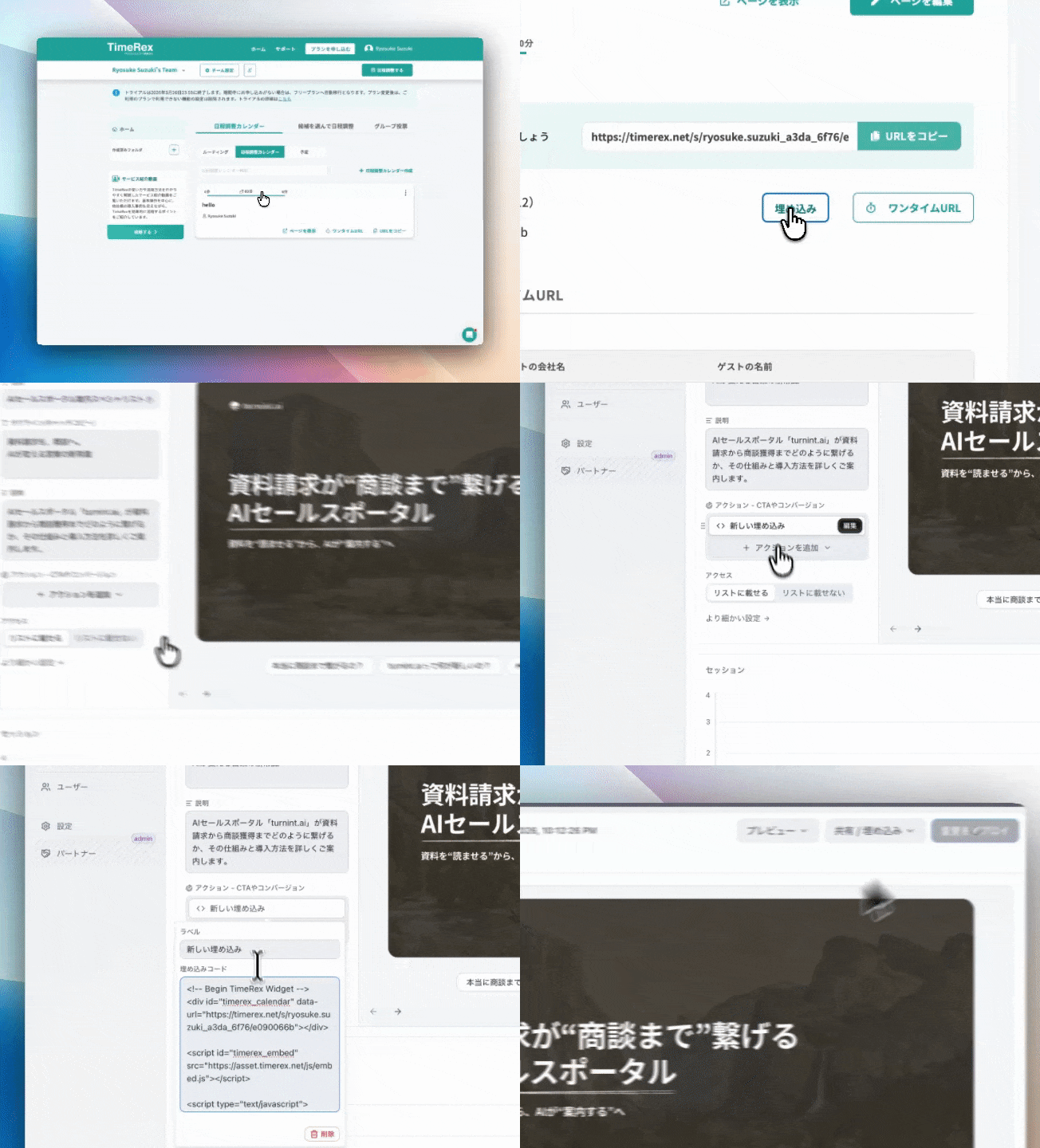
TimeRex の日程調整ページをエージェントウィジェットに埋め込む方法
TimeRex の埋め込み
<!-- Begin TimeRex Widget -->
<div id="timerex_calendar" data-url="https://timerex.net/s/xxxx"></div>
<script id="timerex_embed" src="https://asset.timerex.net/js/embed.js"></script>
<script type="text/javascript">
  TimerexCalendar();
</script>
<!-- End TimeRex Widget -->